Table of Contents
- Why a Private Space Matters for Online Therapy
- Choosing the Right Spot in Your Home
- Comparing Common Room Options
- Controlling Sound and Interruptions
- Making the Space Feel Calm
- Adding Greenery and Comfortable Seating
- Setting Up Lighting and Your Camera
- Protecting Privacy Beyond the Room
- Frequently Asked Questions
Why a Private Space Matters for Online Therapy
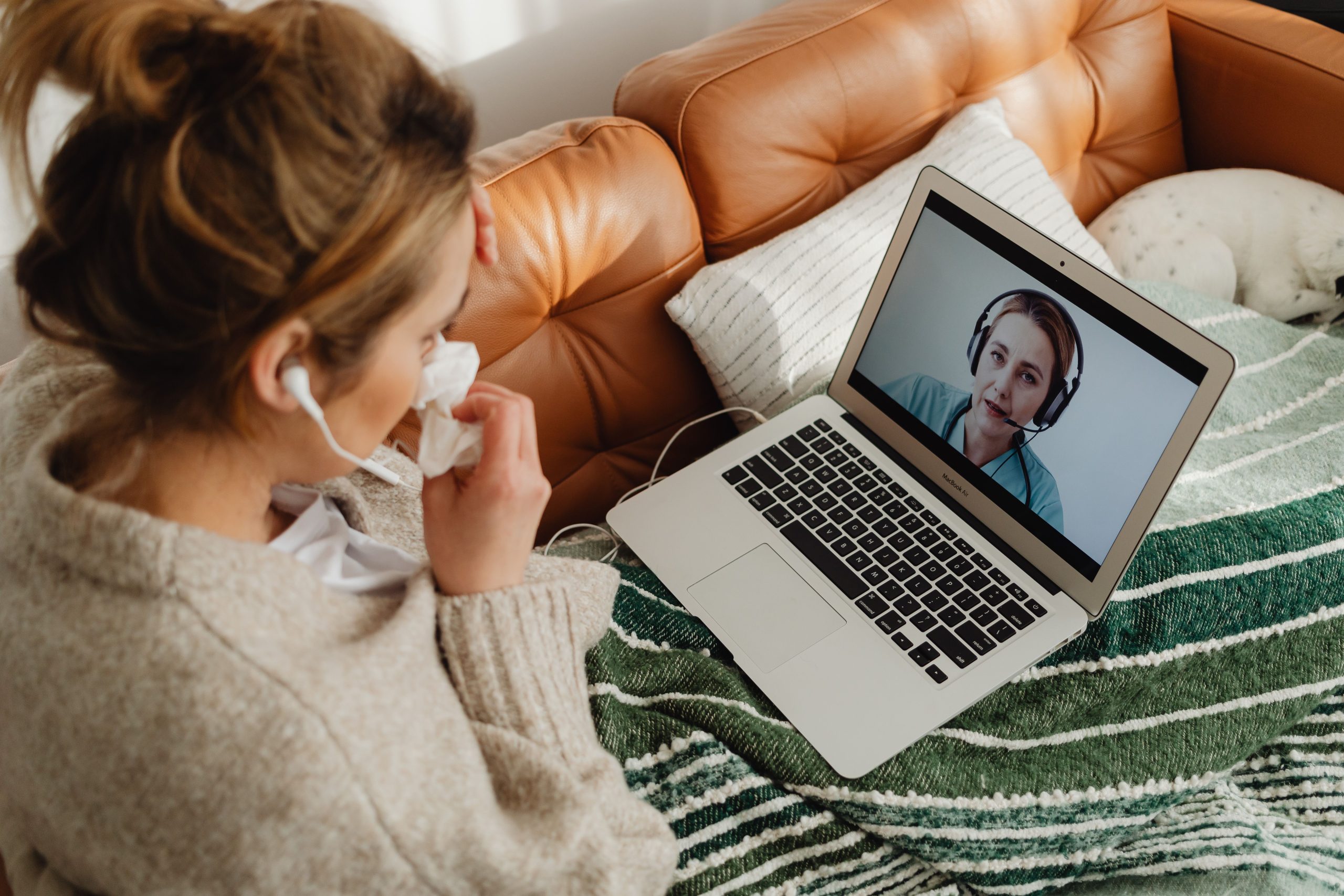
Online therapy works best when you can speak openly, and that depends heavily on where you are sitting. The National Institute of Mental Health notes that virtual visits may feel less private if people nearby can see or overhear an appointment, and that some people feel uncomfortable with a camera showing their surroundings. A dedicated private space addresses both concerns and helps your brain treat the session as its own separate part of the day.
A good space for a session usually does three things:
- It keeps your conversation out of earshot of other household members.
- It gives you a consistent, familiar place to log in each week.
- It shows only what you are comfortable sharing on camera.
Choosing the Right Spot in Your Home
Start by looking for a room with a door that closes. A bedroom, spare room, or home office is often the best choice because it already has a sense of separation. If the only option is a shared living area, try to find a corner that you can turn into a dedicated spot during session times. Ask yourself whether anyone is likely to walk through, make noise, or start a conversation while you are talking.
Comparing Common Room Options
Not every home has an ideal room, so it helps to weigh the trade-offs. The table below compares common options so you can choose the one that fits your living situation.
Controlling Sound and Interruptions
Even a private room can become noisy. Sound is one of the first things to address, because background noise can make both you and your provider work harder to follow the conversation. Small changes often make a big difference:
- Close the door and let others in the home know your session times.
- Turn off the TV, music, and notifications on every device in the room.
- Use a headset with a microphone rather than a speakerphone, which is more private and clearer.
- Add soft materials such as rugs, curtains, or upholstered furniture to reduce echo.
- Silence your phone or move it out of reach so it cannot buzz during the session.
Making the Space Feel Calm
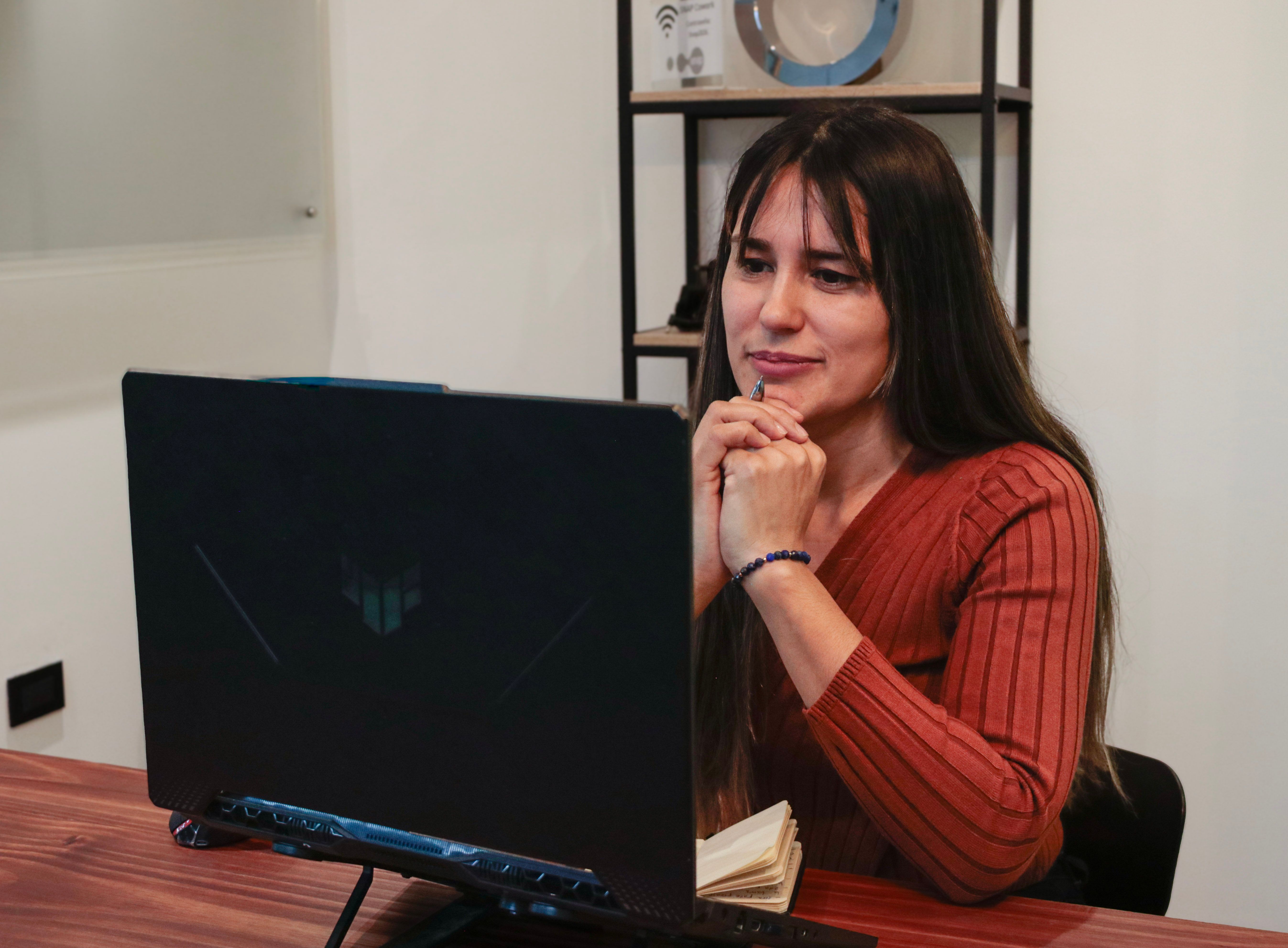
A private room is more useful when it feels like a place you want to be. Keep the area simple and free of clutter. Clear the desk or table of work materials, and choose a seat where you can sit comfortably without slouching for an hour. Some people find it helpful to keep one familiar object nearby, such as a notebook or a water bottle, that signals the start and end of a session.
Adding Greenery and Comfortable Seating
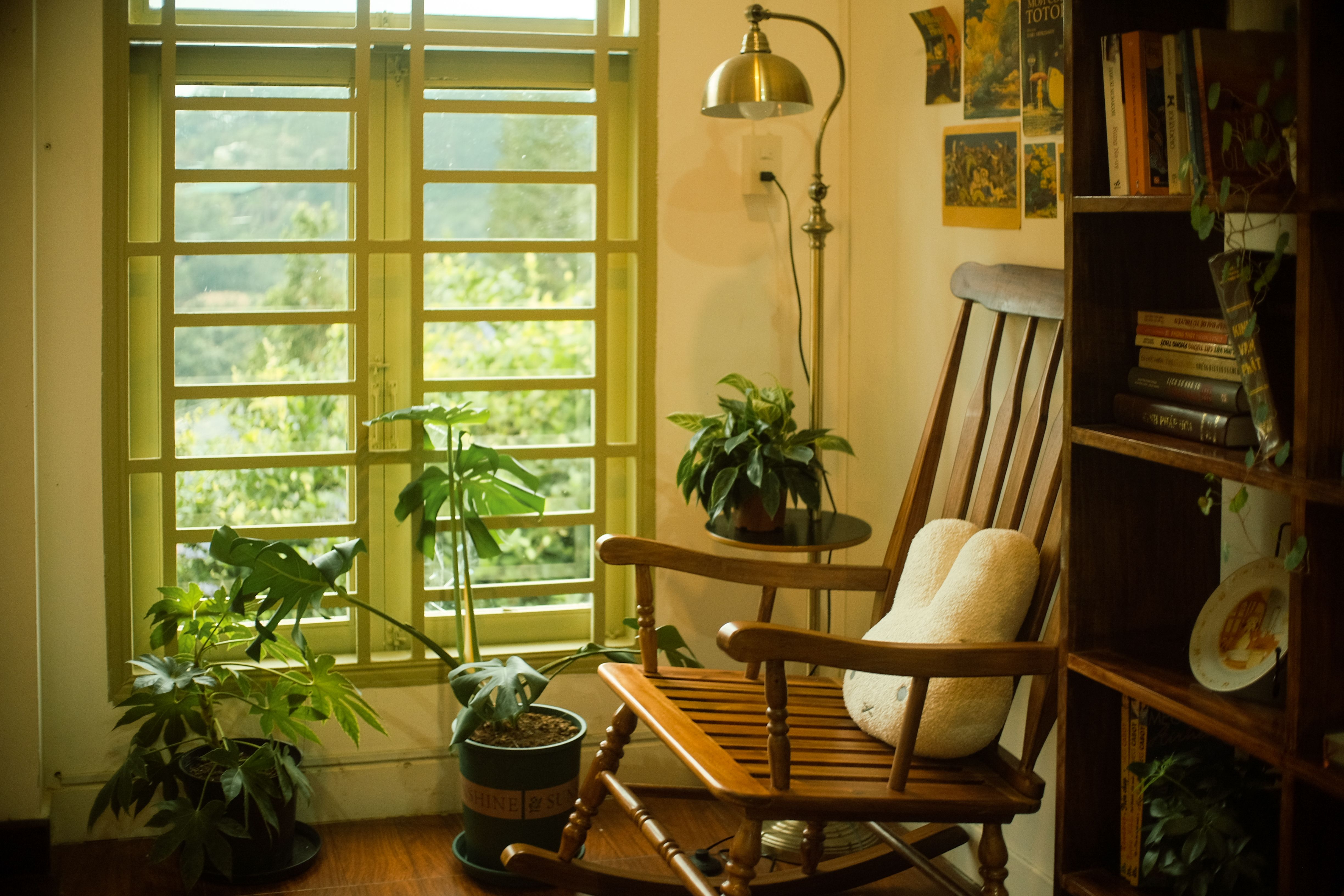
Plants, soft textures, and a supportive chair can make a room feel more welcoming without requiring a major renovation. Greenery is an easy addition because it is inexpensive and can be placed out of the camera frame. Comfortable seating matters as well, since a chair that pinches your back or sinks too low can make a long session feel longer. Choose a chair with a firm back and armrests if possible, and keep it at a height where your eyes sit near the top of the screen.
- Pick low-maintenance plants such as pothos or snake plants.
- Use one or two cushions or a throw blanket for added warmth.
- Keep a small side table within reach for water or tissues.
Setting Up Lighting and Your Camera
Lighting affects how clearly you appear on screen and how comfortable you feel. A window behind you can turn you into a silhouette, while overhead lights can create harsh shadows. Position your chair so that natural light falls on your face from the front or side. If you need extra light, a warm lamp placed beside the screen works well. The American Psychological Association’s telepsychology checklist recommends confirming that your room is private, reasonably quiet, and well lit before each session.
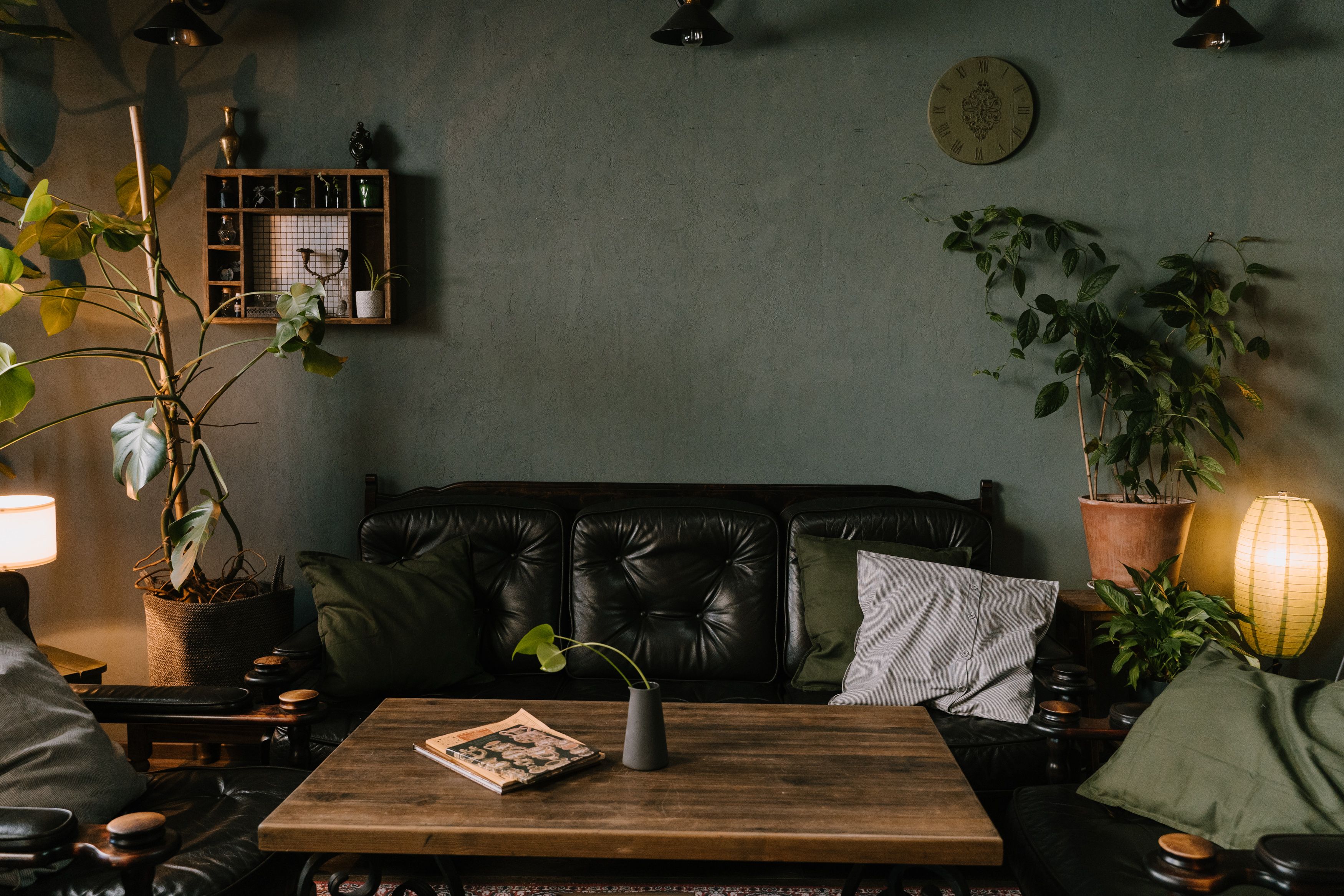
For the camera, check the framing before your first session of the week. Your face and shoulders should be visible without showing sensitive items like open mail or family photos unless you want them seen. A simple plain wall behind you is often the most practical choice.
Protecting Privacy Beyond the Room
A private room is only part of the picture. Your device and internet connection also matter. Use a secure, password-protected Wi-Fi network rather than public or unsecured connections, and make sure your provider uses a platform that verifies identity and protects confidentiality. Before each session, confirm that no one will record the call without permission.
The same principles apply across different types of care. For example, people seeking help for compulsive betting may find gambling treatment via telehealth a convenient option, and the setup advice in this guide still applies: a private room, a secure connection, and a clear agreement with your provider about how sessions are handled.
Finally, plan for what happens if something goes wrong. Keep your provider’s contact information and a local emergency number somewhere you can reach quickly, and agree on a backup way to reconnect if your internet drops mid-session.
Frequently Asked Questions
Do I need a whole room for online therapy?
Not necessarily. A corner can work if it is quiet, private, and can be set up the same way for each session. The key is that others cannot easily see or hear you.
What if I share my home with children or roommates?
Let them know your session times in advance, use a closed door or a sign, and agree on a plan for interruptions. If you are a parent, arrange childcare or a second adult to handle the children during the session when possible.
Should I use a headset or speakerphone?
A headset is usually the better choice. It improves sound quality and keeps your voice from carrying through the room, which offers more confidentiality than a speakerphone.
A Space You Can Return To Each Week
The most useful private space is one you can recreate easily. Once you find a spot with good sound, light, and seating, note what works so you can set it up in minutes before each appointment. Over time, returning to the same chair and the same corner can help you settle into the session and focus on what matters most.